Is a form rejecting your PDF because it is larger than 2 MB? Find out why the file is so large, how to reduce it and what to do when a scan will not fit under the limit.
We usually start thinking about PDF size only when we need to submit the file. Government and school portals, recruitment systems, insurers and older web forms may impose a 2 MB limit on each attachment.
Some documents can be brought under 2 MB with no visible change, while others require a compromise in quality. It mainly depends on what the PDF contains. This guide explains why files become large, how to reduce them directly in your browser and what to do when a scan will not fit under the limit.
Why a PDF can be several megabytes
A PDF created in a word processor may remain small even when it contains dozens of pages. If a ten-page document is 8 MB, one of three causes is usually responsible.
- The images have a higher resolution than the page needs. A phone photo may contain twelve million pixels, although roughly two million are enough for an A4 page at 150 DPI. The editor may nevertheless embed the entire photo. The same can happen with a header logo prepared for print.
- The scan was saved with weak compression. Multifunction printers often save pages as high-resolution images with little compression. Even a contract with only a few pages can therefore take up several megabytes.
- Complete fonts are embedded in the PDF. The file may contain characters that never occur in the text. If the document has passed through several programs, some fonts may also be embedded more than once.
You can estimate the first two causes from the content. If the document contains photographs or scanned pages, images probably account for most of its size. Embedded fonts may be the culprit when a file is large despite containing text only.
How to compress a PDF and check the result
Open Compress PDF to 2 MB, choose your file and press Compress PDF. All processing takes place in your browser and the document is not uploaded anywhere. That makes an important difference for contracts, medical reports and other sensitive documents compared with services that first send the file to a server.
The tool tries four methods in sequence and selects the smallest verified result that meets the target:
- It rewrites the file structure. The PDF is saved again without unused objects and with compressed object tables. Its appearance does not change. The saving depends on how much unnecessary data previous edits left in the file.
- It reduces images. Supported images with a higher resolution than they need at their displayed size are reduced to 150 DPI and saved as JPEG at quality 75. Images that already have a lower resolution, use an unsupported format or offer no saving remain unchanged. Resampling and JPEG compression are lossy, so they may reduce sharpness and fine detail. This step can nevertheless make a photo-heavy PDF much smaller.
- It subsets embedded fonts. For supported TrueType fonts, the tool retains only the characters actually used in the text. It skips other fonts and does not change the text's appearance. If reducing the images has already saved space, the fonts are subset in that modified file.
- It renders the pages and preserves the text layer. The tool uses this step only when the first three methods are not enough. It renders every page as an image and places the text already present in the document over it. The text therefore remains searchable and selectable. A scan without a text layer does not gain one because the tool performs no character recognition. At high zoom levels, the pages will show pixels.
After processing, you will see the original and new file sizes, the method used and whether the requested target was reached. If not, the tool offers the smallest verified result and shows how far it exceeds the limit.
If the tool rendered entire pages, open the result and pay particular attention to stamps, signatures and small type in tables. After image reduction, inspect photographs and fine details as well.
The tool reopens every result it offers and compares it with the original. The page count must match and at least 98 percent of the non-space characters must remain. This check compares only the number of characters, however, not the exact wording or page appearance. If the original is already below the limit, the tool returns it unchanged and does not perform this check.
Free tool, right in your browser
Compress PDF to 2 MB
Choose a PDF and the tool will find the smallest version under 2 MB that preserves the text. Your file is never uploaded.
Why the 2 MB target is actually 2048 KB
Portals and email servers do not always calculate megabytes in the same way. If a service treats one megabyte as 1024 kilobytes and one kilobyte as 1024 bytes, a 2 MB limit means 2,097,152 bytes. A file containing 2,100,000 bytes already exceeds it, even though some programs display its size as 2.1 MB and Windows File Explorer may show 2.0 MB. A portal that treats a megabyte as 1,000,000 bytes has a limit lower by another 97,152 bytes.
The tool uses multiples of 1024 and treats the requested target as a ceiling. If it can meet the target, the result will not exceed that size. Otherwise, it displays the smallest verified file and reports how much larger it is. If the portal specifies a limit of 2,000 KB or you do not know which calculation it uses, set a custom target of 1,953 KB in Compress PDF. A file reduced to that size will pass under either convention.
When a scan cannot fit under 2 MB
Text and vector graphics are much easier to reduce than scans. In a scanned PDF, every page is an image that takes up space even at low resolution. How many pages fit under the limit depends on their content and on whether the scan is in colour. A black-and-white version may be smaller with the same page count.
If the document is too long, the tool offers the smallest verified result and a Try Lower Resolution button. You can continue down to 72 DPI. Text will remain selectable, but images, small type and stamps will be less sharp.
At that point, reducing the scope is better than reducing the quality:
- Send only the pages the portal requests. Split PDF separates parts of the document, while Extract PDF Pages puts specific pages into a new file.
- Remove blank pages. Duplex scanning single-sided sheets produces a blank page after every printed page. Remove Blank Pages from PDF finds and marks them automatically.
- Split the document into two attachments if the form allows it. When the limit applies separately to each attachment, two 1.8 MB files may pass even though one 3.6 MB file does not.
- Scan the document again with better settings. Most scanners and mobile apps offer a document or black-and-white text mode and a choice of resolution. A contract scanned in one of these modes is often much smaller than a full-resolution colour scan.
Free tool, right in your browser
Split PDF
Mark the pages where each new file should begin, then send only the part the portal actually requires.
What to do before compression
Sometimes the quickest solution is to take a step back and change the document in the program where it was created.
Export the document again with smaller images. Word and LibreOffice offer image-quality or minimum-size options when exporting to PDF. A presentation full of photographs may fit under the limit before any additional compression, with the editor handling the resampling itself.
Reduce photos before inserting them. If you are building a document from photographs, JPG to PDF under 2 MB reduces the photos and assembles the PDF in one step. The result tells you whether the file met the limit.
Delete pages that do not belong in the document. These may be notes, older versions of tables or extra scans. Delete PDF Pages removes the selected pages and preserves the content of those you keep, but it does not transfer the document title and author, bookmarks or form fields.
Compressed PDFs and email
An email size limit often applies to the entire message, not just one attachment. The file also grows by roughly one third during transmission because of encoding. A 7 MB attachment therefore occupies about 9.5 MB in the message. Providers and company servers use different limits, so check the one that applies to you. Keeping the PDF below 2 MB also leaves room for other attachments.
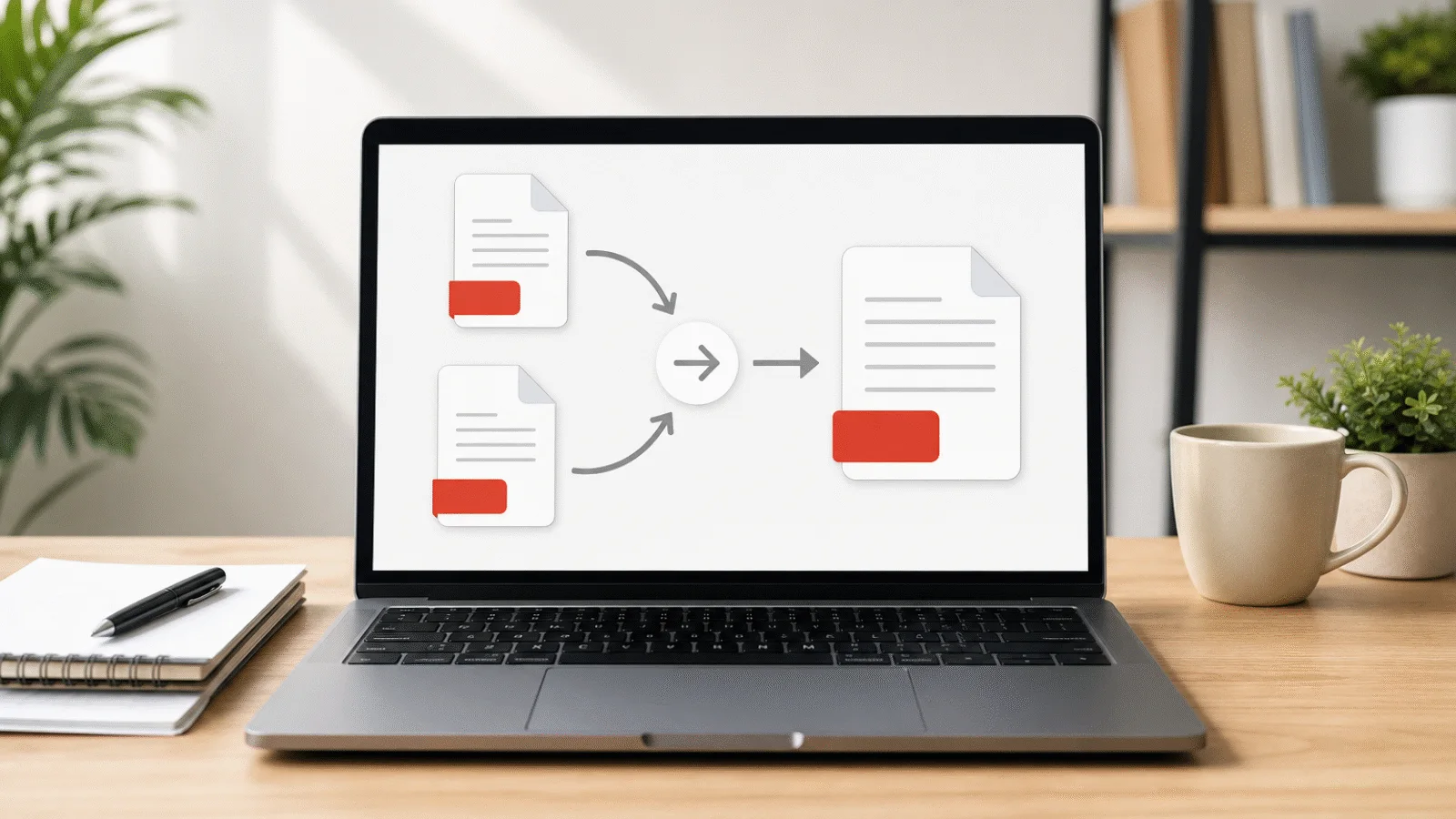
If you are sending several documents, first combine them with Merge PDF and compress the result. The target will then apply to the complete file, and the recipient will receive one attachment instead of five.
Frequently asked questions
Will text remain searchable in the compressed PDF?
Yes, if the original document already contained a text layer. Three of the four methods do not change the text at all. In the fourth, the tool renders the pages as images and places the existing text over them, so searching and selection continue to work. A scan without a text layer does not gain one. Every offered result must retain at least 98 percent of non-space characters.
Will I see a difference in photographs?
You may. Images are reduced to 150 DPI and saved as JPEG at quality 75, so they can lose some sharpness and fine detail. The difference is usually small on screen and in ordinary office printing, but may be visible in professional print. Send the original to a printer and use the compressed copy for email or online portals.
Why is the result much smaller than 2 MB?
Because the target is a ceiling. The tool compares all verified results and selects the smallest one that fits below it. A 3 MB document may therefore become 900 KB. If you want the highest possible quality, set a custom target in Compress PDF equal to the exact limit you must meet rather than choosing a lower value just to be safe.
Can I compress a password-protected PDF?
Not while it is encrypted, even if it opens without a password and only restricts printing. First remove the protection with Unlock PDF, then compress it. If the document must remain protected, add a password again after compression.
Is my document uploaded anywhere?
No. The tools on this website run in your browser tab, the file never leaves your device and nothing is uploaded to a server. The original and the downloaded result remain wherever you save them.