Need to change something in a PDF and unsure whether paid software is necessary? See what you can do in a browser, why editing text is harder and when you need an editor.
Editing a PDF means different things to different people. One person needs to remove a page, organise a scan or combine two files. Another wants to complete a form, correct a typo or sign a document. The first group of tasks takes a few minutes in a browser; the second may require a dedicated editor.
What you can edit directly in your browser
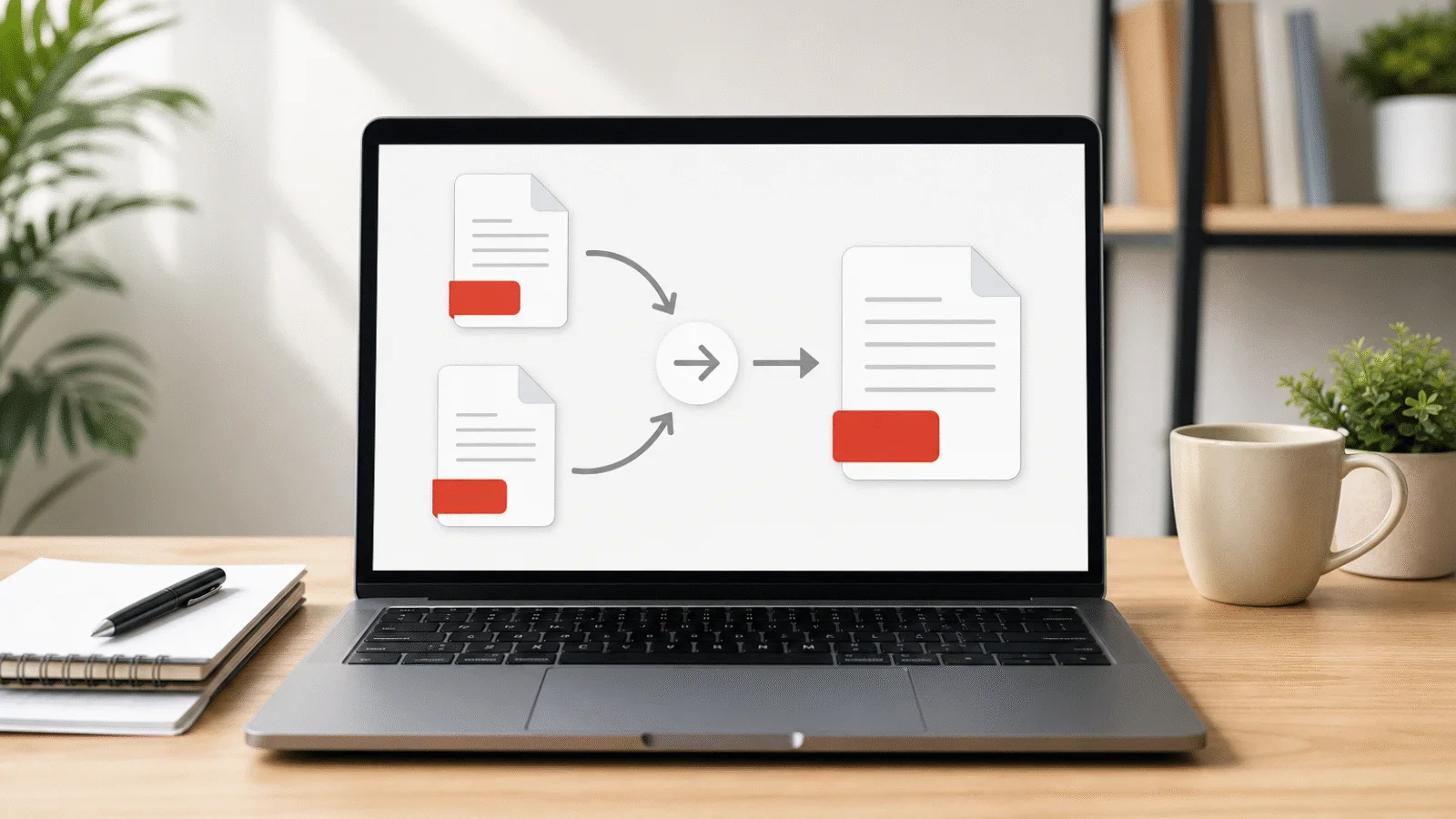
You can merge or split documents, extract and delete pages, change page order, rotate pages, convert images, compress files, remove metadata and add or remove password protection. These operations change the document structure without pretending that a PDF is a word-processing file.
Choose the focused tool for the job. Organize PDF Pages changes sequence, Rotate PDF fixes orientation and Merge PDF combines complete documents. Processing remains on your device.
Free tool, right in your browser
Organize PDF pages
Use the arrow buttons to rearrange the pages, then download the PDF in its new order. Text and fonts remain unchanged.
How to reorder pages and remove unnecessary ones
Open Organize PDF Pages, use the arrows beside previews and save the new sequence. To remove one or several pages, use Delete PDF Pages. If you need only a few pages, Extract PDF Pages is faster.
Kept pages retain their text, fonts, images, dimensions and rotation. Document-level features such as bookmarks, embedded files, form behaviour, metadata and digital signatures may not transfer, depending on the operation.
How to edit text in a PDF
PDF stores positioned page elements rather than flowing paragraphs. A line that looks like ordinary text may be split into separate glyphs with embedded font data, so changing one word can require rebuilding spacing and line breaks. Our page tools do not edit existing wording.
If you have the original Word, LibreOffice or design document, edit it there and export a fresh PDF. For a simple document, Word may open and convert the PDF, but complex layout, fonts and forms can shift. Compare the new file carefully.
How to complete a form and sign a PDF
Interactive PDF forms can be completed in a reader that supports their fields. Save a copy and reopen it to confirm the values remain visible. For a non-interactive form, use an editor that can place text or annotations over the page.
A drawn or inserted signature image is not the same as a cryptographic digital signature. Formal signing may require a trusted signing service, certificate or workflow specified by the recipient. Structural edits invalidate an existing digital signature because they change the signed bytes.
What is and is not preserved during edits
Page operations generally retain visible page content and searchable text because pages are copied rather than rendered. Compression may resample images, and converting pages to images changes how content is represented. None of these page operations adds a text layer to a scanned page.
Bookmarks, attachments, scripts, form fields, custom page labels, metadata and signatures belong to the broader document structure and may not survive copying pages into a new PDF. Read the warning shown by the chosen tool and inspect the result.
Free tool, right in your browser
Delete PDF pages
Select the pages you want to remove and download the document without them. Text and fonts remain unchanged, and nothing is uploaded.
When to use a dedicated editor
Use a full PDF editor when you must rewrite existing text, move page objects, redraw diagrams, preserve complex forms, redact information securely or manage digital signatures. For extensive changes, returning to the source document is usually more reliable.
For a scanned document, text correction first requires OCR and then an editor. To get plain text out of a scan, you can use PDF text recognition. OCR can misread names, numbers and tables, so compare the result with the scan. Covering text with a white box is not secure redaction because the underlying content may remain recoverable.
Frequently asked questions
How can I edit a PDF for free?
Use the relevant browser tool for page order, deletion, splitting, merging, rotation, compression or protection. Editing the wording itself requires the source document or a PDF editor.
Can I edit PDF text without installing software?
Some online editors offer it, but layout and privacy implications vary. Our tools do not rewrite existing text. Edit the source file whenever possible and export the PDF again.
How do I edit a PDF in Word?
Open the PDF in Word and allow it to convert the file, then edit and export as PDF. This works best for simple text documents. Check fonts, tables, page breaks and images afterwards.
How do I edit a scanned PDF?
A scan contains images, not editable text. Run OCR in suitable software, verify the recognised content and edit the resulting document.
Will bookmarks and forms remain after editing?
Not necessarily. Page-copying operations may omit bookmarks, attachments and functional form fields. Digital signatures are invalidated by changes. Inspect important features in the downloaded file.
Is my PDF uploaded anywhere?
No. The PDF tools described here run in the browser tab and files are not sent to our server. If you choose a separate third-party editor, review its own privacy terms.