Before you launch a website, check more than the design. Review copy, links, forms, mobile layout, speed, HTTPS, analytics, legal details, and forgotten Lorem Ipsum.
Launching a website often feels simple until the final day. The design is ready, the content is supposedly in place, the developer is finishing small fixes, and everyone is waiting for the site to finally go public.
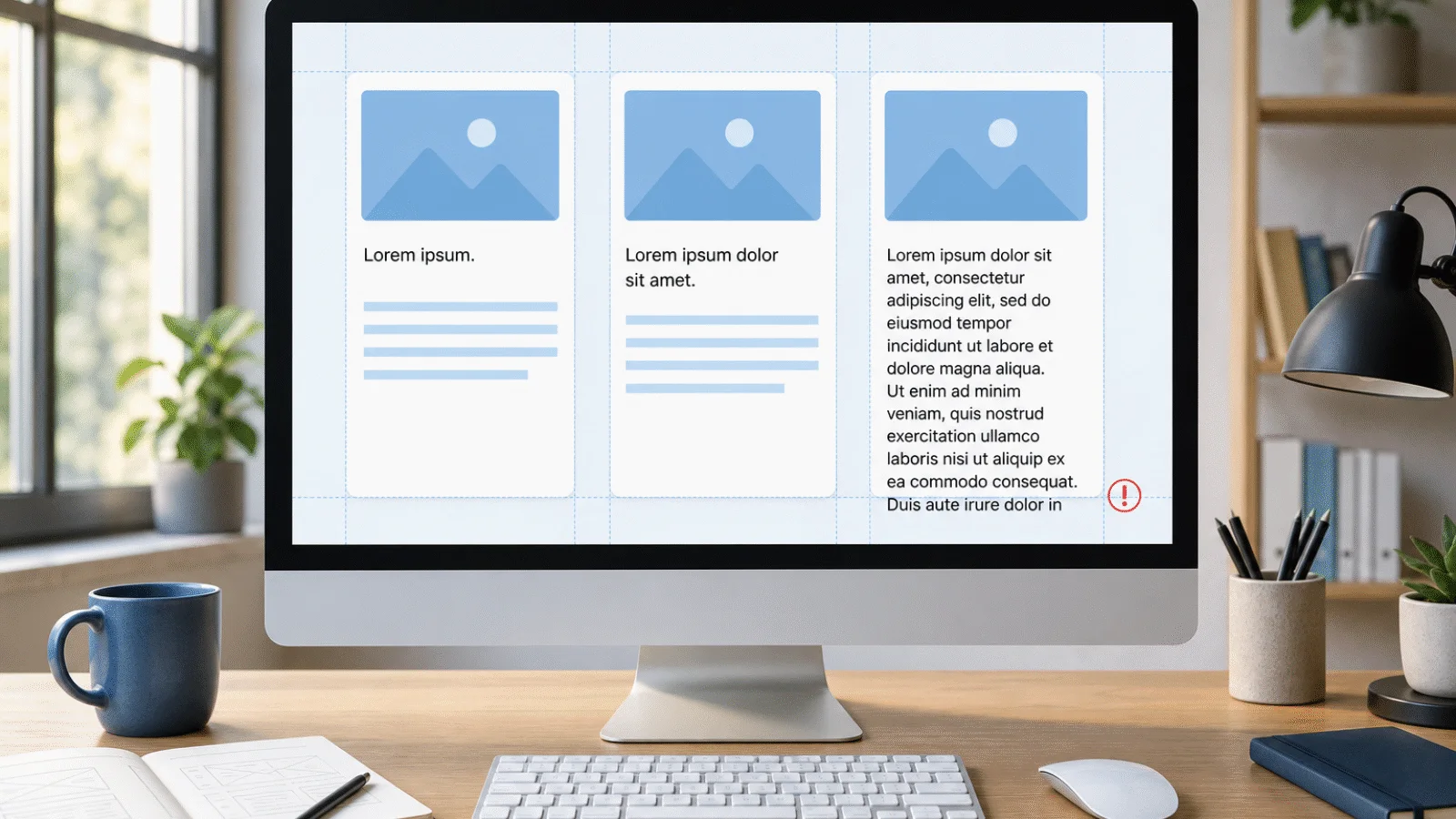
That is exactly when easy-to-miss problems tend to slip through: a form that does not send, an old phone number, a link to a staging page, a multi-megabyte image, or a piece of Lorem Ipsum that nobody noticed.
This is a practical website launch checklist. It is not a full audit for a large online store or a technical specification for developers. It is a set of checks that every smaller business website, project page, blog, or landing page should go through before real visitors see it.
1. Check the key pages
Start with the pages visitors are most likely to open:
- homepage,
- services or products,
- pricing,
- contact,
- blog or articles,
- about page,
- terms and conditions,
- privacy policy,
- 404 error page.
On each page, ask one simple question: after a few seconds, will a visitor understand where they are, what you offer, and what they should do next?
If not, the page may be technically finished, but it still will not work well. People do not have time to guess what you meant.
2. Remove Lorem Ipsum and draft content
Placeholder text belongs in a design draft, not on a live website.
Before launch, search especially for these terms:
lorem
ipsum
dolor
sit amet
placeholder
dummy
sample
test
TODO
coming soon
Do not check only paragraphs. Draft text often survives in places people skip during a quick review:
- headings,
- buttons,
- card descriptions,
- footer,
- pop-ups,
- error messages,
- email templates,
- empty states,
- page titles and meta descriptions.
If a page still has no final copy, it is usually better to keep it out of the menu and sitemap for now. A temporarily published page with draft content looks worse than a page that is not available yet.
The Lorem Ipsum generator is useful while designing and testing layouts. On a finished website, Lorem Ipsum should be gone.
3. Fill in titles and meta descriptions
Every important page should have its own title and short description. Not because of a formal SEO checklist, but because the title appears in the browser, search results, and shared links.
Review:
- a unique
<title>on every important page, - the title is not just the company name,
- the meta description is not empty,
- the description matches the page content,
- no draft text remains in titles or descriptions,
- the brand name is used consistently.
Weak title:
Home
Better title:
Accounting for freelancers and small businesses | Company Name
Search engines may not always show your meta description exactly as written. It is still worth filling in. It forces you to describe clearly what the page contains and who it is useful for.
4. Test forms from start to finish
It is not enough to see a form on the page. You need to fill it in and submit it.
Test:
- contact form submission,
- required fields,
- invalid email address,
- very short message,
- long message,
- success message,
- error message,
- email delivery to the site owner,
- automatic reply to the visitor, if you send one.
Check the language too. A message like The field is required may be technically correct, but on a localized website it looks like an unfinished part of the system.
If a form sends important business enquiries, test it from an address outside your company domain. That makes spam and delivery problems easier to spot.
5. Click the important links
Go through the navigation, footer, buttons, article links, and contact links.
Look especially for:
- links to a staging domain,
- links to
localhost, - missing pages,
- buttons with no action,
- outdated PDF files,
- old social media links,
- phone numbers that cannot be called from a mobile phone,
- email links with the wrong address.
If you are replacing an older website, check redirects too. A page that had traffic or backlinks should not turn into a 404 after the new site goes live.
6. View the website on mobile
Mobile is not just a smaller desktop. Many issues only appear when you check the site on a real phone.
Review:
- main menu,
- hero or opening section,
- buttons,
- forms,
- tables,
- images,
- footer,
- cookie banner or analytics consent.
Watch for overlapping text, button size, and long headings. Buttons should be easy to tap, and headings should stay readable even when they wrap to several lines. If the first mobile screen is mostly empty space or an oversized headline, visitors may never reach the important part.
It is worth checking at least one smaller phone and one larger display. Resizing a desktop browser window is not enough.
7. Check speed and images
People close slow websites. You do not need to solve every technical detail before launch, but the basic problems are easy to catch.
Look for:
- unnecessarily large images,
- slow loading of the main image,
- heavy scripts the page does not need,
- layout shifts while the page loads,
- too many fonts,
- slow loading on mobile.
If one image is 5 MB, that is a problem. If the page visibly jumps while loading, that is a problem. If a mobile user waits several seconds before the main content appears, that is also a problem.
For a smaller website, simple discipline often helps most: use sensible image dimensions, avoid unnecessary scripts, and let the most important content load as early as possible.
8. Run a basic accessibility check
You do not need a full audit for every small site. But a basic accessibility check belongs on any website meant for the public.
Check that:
- the page has one clear main heading,
- headings follow a logical order,
- text has enough contrast against the background,
- buttons use specific text, such as
Send messageinstead of a vagueSubmit, - form fields have understandable labels or descriptions,
- the page can be used with a keyboard, without a mouse,
- images have appropriate alternative text.
For images, use a simple rule: if an image carries information, the alt text should describe that information briefly. If the image is purely decorative, the alt text can be empty.
9. Check indexing and the sitemap
Before launch, decide which pages should appear in search engines and which should not.
Public pages should be accessible to search engines. Draft, test, and duplicate pages should not be there.
Review:
robots.txtdoes not block important public sections,- sitemap.xml contains only pages you want indexed,
- canonical URLs point to the final address,
- internal links use final URLs, not the staging domain,
- language versions link to the correct localized pages,
- important old URLs have redirects prepared.
After launch, add or check the website in Google Search Console. If you also care about Bing, set up Bing Webmaster Tools. Both services show how search engines see your pages, sitemap, and indexing issues.
10. Verify HTTPS and technical basics
HTTPS is a basic requirement today. Visitors should not see a warning that the site is not secure.
Check:
- the website loads over
https://, - the
wwwand non-wwwversions behave as planned, - the old
http://version redirects to HTTPS, - the certificate is valid,
- the page does not load images or scripts over insecure HTTP,
- forms submit over a secure connection.
For a larger website, also have redirects, caching, and server settings reviewed.
11. Set up analytics and measurement
Before going public, make sure measurement really works. Adding an analytics script and hoping for the best is not enough.
Check:
- the analytics tool loads,
- cookie consent behaves according to your website setup,
- form submissions can be measured,
- phone or email clicks can be measured, if they matter to you,
- key conversions are configured,
- Google Search Console is ready,
- Bing Webmaster Tools is ready, if you want to monitor Bing too.
The first days after launch matter. If measurement does not work, you lose data from the exact period when the most people are checking the new website.
12. Check legal and contact details
People notice contact and legal details mostly when they are wrong.
Review:
- company name,
- company registration and tax numbers,
- billing address,
- email,
- phone number,
- social media links,
- terms and conditions,
- privacy policy,
- cookie information.
Open the phone number on a mobile phone. Click the email address. If you have both a contact form and an email in the footer, send a test through both paths.
Final check through a visitor's eyes
At the end, stop looking at the website as its author. Open it as someone who knows nothing about the project.
Try to:
- Find the main service or product.
- Find the price or ordering process.
- Contact the company.
- Read one article or subpage.
- Open the website on mobile.
- Recover from the 404 page.
- Submit a test form.
If you get stuck and have to think about where to click, that is a signal to improve the page. The next step should be clear without explanation.
Short website launch checklist
If you do not have time for a detailed review, at least go through this list:
- Key pages have real content.
- There is no Lorem Ipsum or
TODOon the website. - Titles and meta descriptions are filled in.
- Forms can be submitted.
- Important links work.
- The mobile version is usable.
- Images are not unnecessarily large.
- Images have correct alternative text.
- HTTPS works without warnings.
- The sitemap contains the right pages.
- Google Search Console is ready.
- Bing Webmaster Tools is ready, if you want to use it.
- Analytics and conversions work.
- Contact and legal details are correct.
Summary
Launching a website is not just the final click in the admin panel. It is the moment when a working version becomes a public page judged by real people.
The most common mistakes are usually not complex. They are forgotten draft texts, broken links, untested forms, slow images, or small details the team stopped noticing after weeks of work.
That is why it is worth checking the website once more, slowly, without assuming that someone else has already checked everything.